
📁 LDAP Authentication
Authenticate users against your LDAP or Active Directory server.
How It Works
When a user logs in:
- Nexterm searches for the user in your directory
- Tries to bind with their credentials
- Creates/updates their local account with LDAP attributes
- Issues a session token
Setup
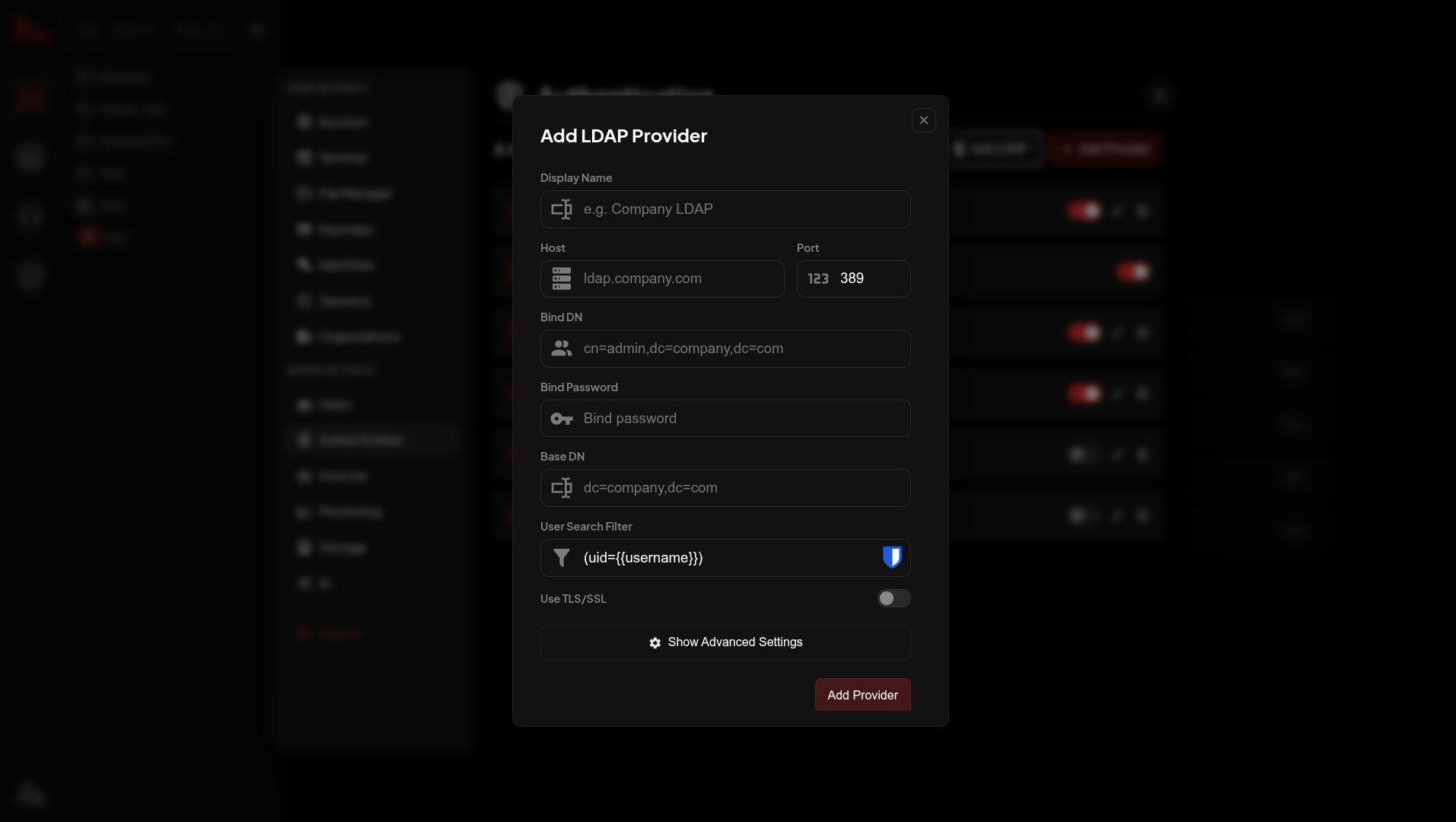
Go to Settings → Authentication → Add LDAP.
| Field | Description |
|---|---|
| Host | LDAP server hostname |
| Port | 389 (LDAP) or 636 (LDAPS) |
| Bind DN | Service account for searching |
| Bind Password | Service account password |
| Base DN | Where to search for users |
| User Search Filter | How to find users |
| Use TLS | Enable for LDAPS |
Examples
Active Directory
text
Host: dc01.corp.example.com
Port: 636
Bind DN: CN=svc_nexterm,CN=Users,DC=corp,DC=example,DC=com
Base DN: CN=Users,DC=corp,DC=example,DC=com
User Search Filter: (sAMAccountName={{username}})
Use TLS: enabled
OpenLDAP
text
Host: ldap.example.com
Port: 389
Bind DN: cn=readonly,dc=example,dc=com
Base DN: ou=users,dc=example,dc=com
User Search Filter: (uid={{username}})
Search Filters
The {{username}} placeholder gets replaced with the login input.
| Directory | Filter |
|---|---|
| Active Directory | (sAMAccountName={{username}}) |
| OpenLDAP | (uid={{username}}) |
| Email login | (mail={{username}}) |
Attribute Mapping
Defaults work for most setups. Change in Advanced Settings if needed.
| Field | Default |
|---|---|
| Username | uid |
| First Name | givenName |
| Last Name | sn |
For AD, change Username to sAMAccountName.
Testing
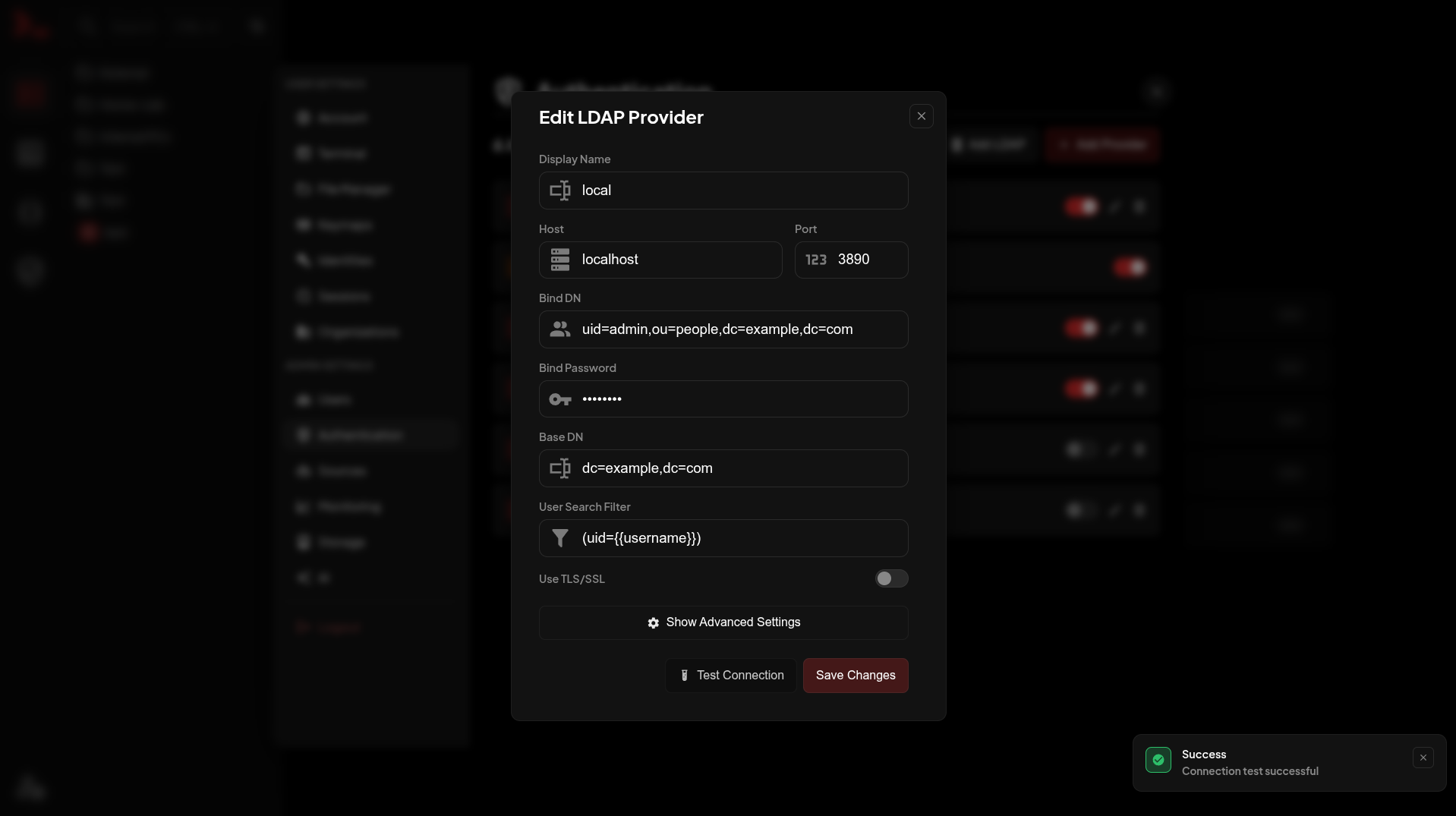
Click Test Connection after saving to verify the bind credentials work.
Troubleshooting
ECONNREFUSED - Server not reachable. Check host/port and firewall.
INVALID_CREDENTIALS - Wrong bind DN or password.
Users can't log in - Check Base DN and search filter. Try (&(objectClass=person)( uid={{username}})).