
🔗 Custom Sources
Add your own scripts and snippets to Nexterm by connecting a Git repository. You can use public repositories from GitHub, GitLab, or any other Git hosting platform.
Adding a Source
- Open Settings and go to Sources
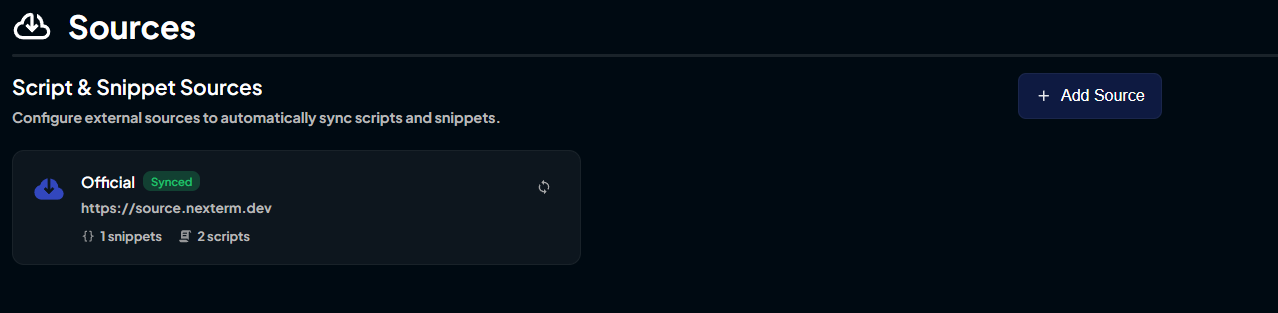
- Click Add and enter a name and the repository URL
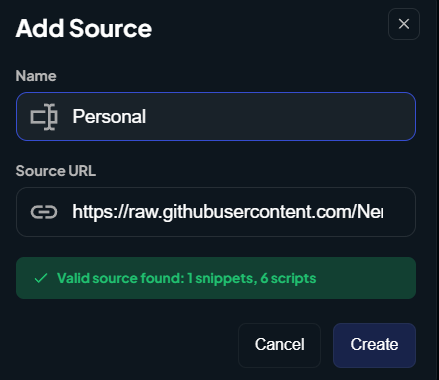
The name is just for display purposes, so choose something descriptive.
Using Your Scripts & Snippets
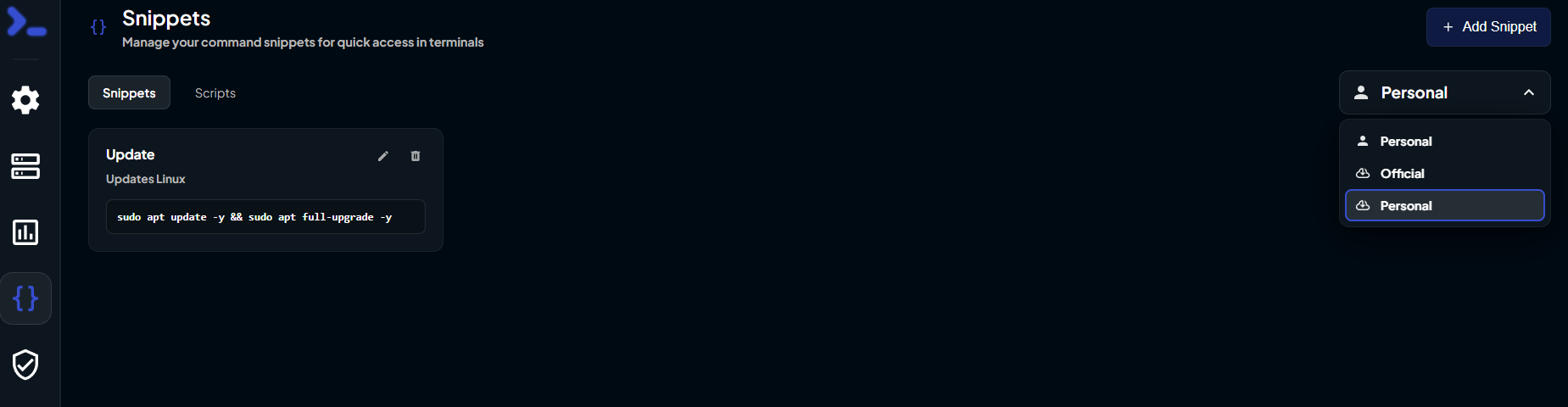
Once added, your scripts and snippets are available in the Snippets panel. Select your repository from the dropdown to see its contents.
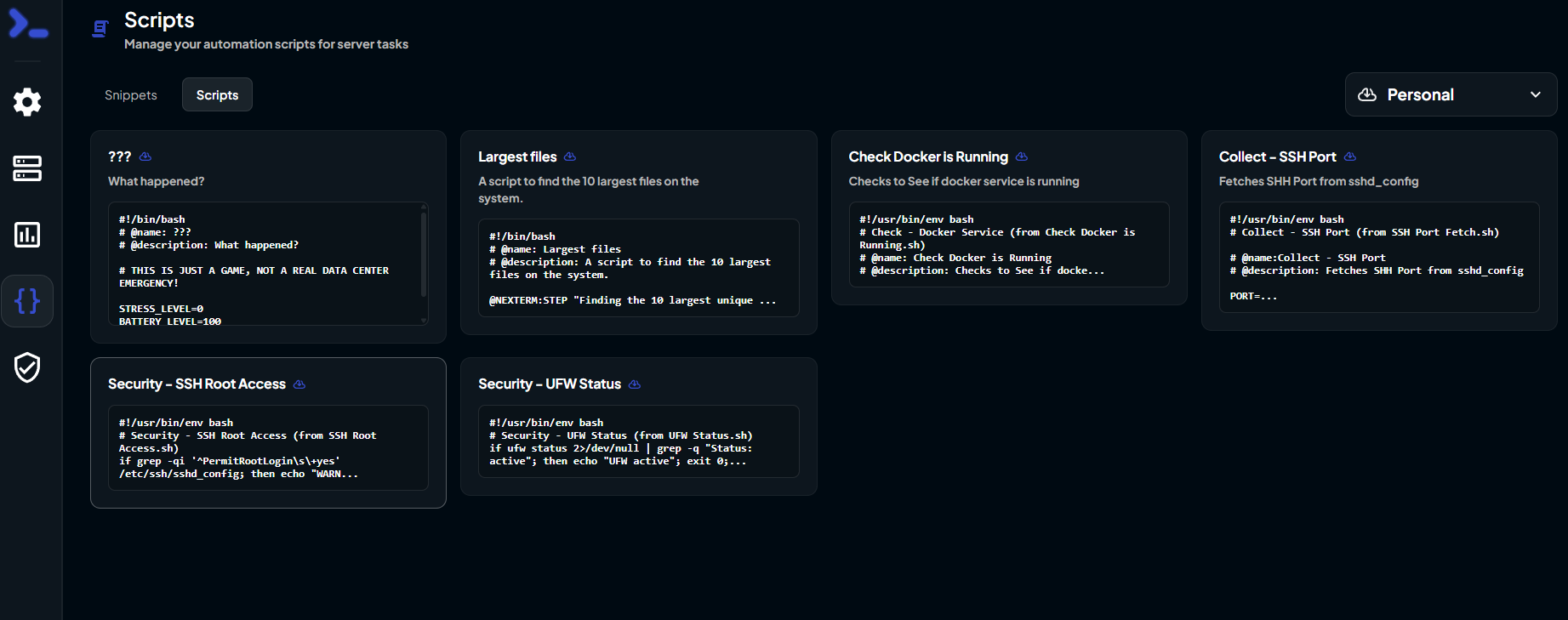
Switch to the Scripts tab to access your scripts.
Syncing
Your repository syncs automatically when Nexterm starts. Push updates to your repository and restart Nexterm to see the changes.
You can add multiple sources if you want to organize scripts by project or team.
TIP
See Scripts & Snippets for how to format your files.